Fundamentals
Git, Part 6: How a Team Agrees on History
Teams align on which refs move—trunk, pull requests, and hooks that gate what may enter shared history.
- Planted
- Last tended
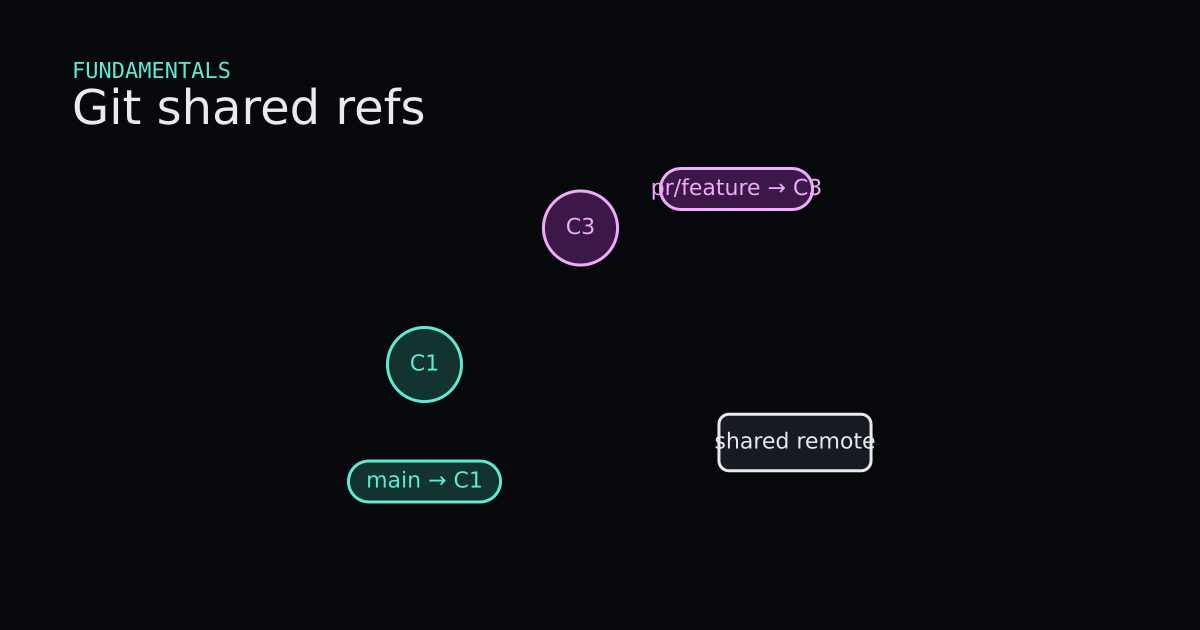
Parts 1–5 described objects and commands on one machine and between two repos. A team adds agreement: which refs on origin may move, who may move them, and what checks run first. After this post you should read “trunk-based” and “pull request” as patterns of ref movement, not as product logos—and know what a hook is allowed to block.
This is Part 6 of a six-part series—the place where branching-strategy judgment finally belongs.
What Is It?
The shared source of truth is usually origin/main (or origin/trunk, origin/develop—names vary; the idea is the same). Everyone clones that object database. Local main is a sticky note on your copy; origin/main is your last known picture of the shared sticky note.
Trunk-based flow keeps most work landing on one shared branch often. Short-lived local branches may exist, but the goal is small commits integrated into main frequently. Ref movement is simple: origin/main advances many times a day; feature branches, if any, live hours or days.
Pull-request flow (merge-request, whatever your host calls it) adds a review gate before origin/main moves. You push a topic branch ref—origin/feature/login—and ask the team to merge it into main. Until merge, shared main stays put; integration happens when maintainers accept the merge or rebase-and-merge policy.
Both patterns still use fetch, push, merge, and maybe rebase from earlier parts. The difference is which refs move when, and who is allowed to move origin/main.
Hooks are scripts Git runs at events such as pre-commit, pre-push, or on the server pre-receive. A hook may reject a push if tests fail, secrets appear, or commit messages miss a pattern. Hooks enforce policy; they do not replace code review or CI—they complement them.
When Is It Used?
Pick trunk-based rhythm when the team is small, releases are continuous, and everyone can integrate quickly with strong automated tests. The cost is discipline: broken main hurts everyone immediately.
Pick pull-request flow when review, compliance, or release trains require a human or bot gate before origin/main advances. The cost is latency and merge graph complexity—merge commits or squash merges become policy choices from Part 2 and Part 5.
Use local hooks for fast feedback (format, lint on commit). Use server-side hooks or CI on push for rules that must not be skipped. CI that runs on the pull request is still about refs: it tests the tip you want merged into main.
No workflow removes Git’s core rule: pushing moves refs on the remote. Team agreement is about which moves are allowed, not about bypassing object integrity.
Interactive Demo
Picture origin/main as the shared purple ref. In trunk mode, small commits slide it forward repeatedly. In pull-request mode, origin/feature grows first; only after “approve” does origin/main jump to include that work—merge commit or fast-forward depending on the scene toggle. A hook step should flash red when a push violates policy and green when checks pass.
Interactive Demo
Code
These snippets describe behavior; they are not a full org setup. Verified concepts against Git 2.43.0.windows.1 docs and local hook execution.
Shared ref movement (conceptual)
$ git fetch origin
$ git switch main
$ git merge --ff-only origin/main    # or rebase feature onto origin/main first

$ git push origin main
In trunk flow, git push origin main after CI green is the integration event. --ff-only on merge is a policy some teams use so main never gains accidental merge commits from a sloppy pull.
$ git push -u origin feature/oauth
$ # review happens outside Git; then on the server or via merge button:
$ git switch main
$ git pull origin main
$ git merge feature/oauth            # or squash merge via host UI
$ git push origin main
In pull-request flow, origin/feature/oauth moved first. origin/main moved only after review—whether you merge locally or the host merges for you, the graph update is still “ main now includes those commits.”
Hook example (client pre-push)
$ cat .git/hooks/pre-push
#!/bin/sh
# reject push if tests fail
npm test || exit 1
Hooks run with shell exit codes: non-zero aborts the operation. Server hooks see ref updates before they land; client hooks can be skipped with --no-verify—which is why protected branches also use server rules.
Code
Code
Read onlyTooling/Git/shared-refs.sh
Read only
# Shared repo: main and a pull-request branch ref
git fetch origin

# Open a PR (hosting UI) — compares refs, no local merge yet
# gh pr create --base main --head feature

# Integrate on main (fast-forward or merge commit)
git switch main
git merge feature

# A server-side hook can reject the push before refs move
# pre-receive: block force-push to main
Advantages and Disadvantages
+ Advantages
- Naming workflows as ref movement keeps discussions grounded in fetch, push, and merge from Parts 2–5.
- Trunk-based flow minimizes long-lived divergence when tests and culture support rapid integration.
- Pull-request flow adds review and audit before origin/main moves, which helps regulated or large teams.
- Hooks automate repeatable policy so the same mistake is caught before it becomes shared history.
− Disadvantages
- Trunk-based flow punishes weak CI; one bad push blocks everyone until fixed or reverted.
- Pull-request flow can accumulate stale branches and noisy merge graphs if nobody deletes merged refs.
- Client-side hooks alone are insufficient because --no-verify exists; server or CI gates still matter.
- Strategy debates distract from mechanics unless everyone agrees which refs are sacred.
Tips
- 01Write down which branches are protected and whether force-push is ever allowed; point to Part 5 before anyone rebases a shared branch.
- 02Match merge versus squash versus rebase-and-merge to what you want git log to look like six months later.
- 03Run the same tests in CI that hooks run locally, or hooks will feel like theater.
- 04Delete or auto-delete merged topic branches so origin does not become a graveyard of stale refs.
- 05When incident response needs a revert, use git revert on shared main from Part 3—not reset on origin.
- 06Re-read Part 4 before blaming the host: fetch, push, and tracking refs explain most sync surprises.
Series
- Part 1: Git, Part 1: Commits Are Snapshots, Branches Are Sticky Notes
- Part 2: Git, Part 2: A Merge Joins Two Lines of Snapshots
- Part 3: Git, Part 3: Restore, Revert, and Reset Move Different Things
- Part 4: Git, Part 4: A Remote Is Another Repository
- Part 5: Git, Part 5: Rebase Replays Commits Onto a New Parent
- Part 6: Git, Part 6: How a Team Agrees on History