Fundamentals
Git, Part 1: Commits Are Snapshots, Branches Are Sticky Notes
Commits store full snapshots, branches are movable names, and HEAD is how Git knows where you are standing.
- Planted
- Last tended
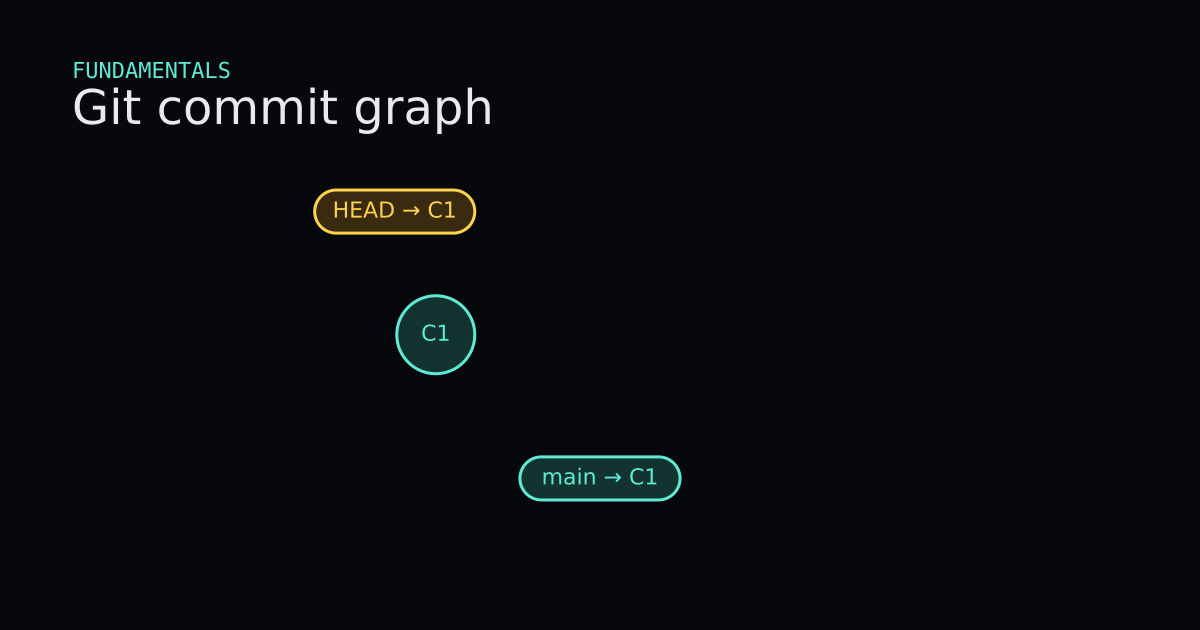
You already type git commit and git branch at work. The confusing part is that those words do not mean what they mean elsewhere. A commit is not a saved diff. A branch is not a folder of files. HEAD is not a person. After this post you should be able to point at a tiny commit graph and say what those three things are, and then predict what git commit, git branch, and git switch will do before you run them.
This is Part 1 of a six-part series. Part 2 covers branching and merging. Undoing, remotes, rebase, and team workflows come after that.
What Is It?
Git is a tool that stores the history of a project as a chain of snapshots. Each snapshot is a commit. A commit points at a tree (the full directory contents at that moment) and at zero or more parent commits. When you ask Git for a diff, it compares two snapshots. The history itself is the graph of commits, not a pile of patches.
People often say “Git stores diffs.” That is a useful way to read history in git log -p, and Git’s packfiles may compress similar objects behind the scenes. The model you need in your head is still the snapshot model: each commit names a complete tree. I think that one shift clears most of the beginner confusion I see in reviews.
Three places matter every time you save work:
- The working tree — the files you edit in the folder.
- The index (also called the staging area) — the list of file contents Git will put into the next commit.
- The repository — the object database under
.git, including commits, trees, and named pointers.
git add copies the current contents of a path into the index. git commit records the index as a new commit. An edit that never got git add is still only in the working tree. git commit -a updates the index from tracked files first, then commits; untracked files still need git add.
A branch is a movable name that stores one commit id. Creating feature when main points at commit C2 makes feature point at C2 too. No files are copied. HEAD is how Git knows where you are: usually it stores ref: refs/heads/main, meaning “follow the main branch.” When HEAD stores a raw commit id instead, you are in detached HEAD.
One analogy is enough: think of each commit as a labeled photograph of the whole project, and each branch as a sticky note stuck on the latest photo you care about. HEAD is your finger pointing at the sticky note you are currently holding — or, when detached, pointing at a photo with no sticky note.
When Is It Used?
Use this model whenever a command surprises you. If git status shows changes in two sections, you are looking at the gap between the working tree and the index, and the gap between the index and HEAD. If a teammate says “I created a branch,” you now know they created a name, not a copy of the repo.
You do not need the graph picture for every tiny edit. When you are alone on a clean branch and you only want to save progress, add and commit are enough. Reach for the model when you switch branches, when you look at an old commit, or when Git warns that you are leaving commits behind.
In my teams I ask people to narrate one sentence before a risky switch: “HEAD follows feature at C3; main is still at C2.” If they can say that out loud, the next command is usually the right one.
Interactive Demo
Press Watch demo once, or step the buttons yourself. Watch three things: a new commit node pulses in, a dashed line from child to parent appears, and the amber token slides along the HEAD or branch label. Notice that git branch feature adds a purple label on the same tip without creating a new commit. When you detach at C2 and commit again, C4 appears with only HEAD holding it — that is why Git warns you before you leave.
Interactive Demo
A commit stores a full tree snapshot plus a parent pointer. The current branch tip, if any, and HEAD both move to the new commit.
A commit graph starts with node C1. Main and HEAD point at C1. Press git commit to add C2 and slide both labels forward. Press git branch feature to add a feature label on the same tip. Press git switch feature, then git commit, to grow C3 on feature while main stays on C2. Press git switch main, then git switch --detach C2, to point HEAD at C2 with no branch name. A final commit while detached adds C4 that only HEAD holds until you reset.
- C1 is the first snapshot. main and HEAD both name it.
- git commit adds C2 and slides main and HEAD forward. The parent edge points at C1.
- git branch feature adds a second label on C2. No files were copied.
- git switch feature moves only HEAD onto the feature label.
- A commit on feature grows C3. main stays on C2.
- git switch main returns HEAD to the main tip.
- git switch --detach C2 points HEAD at the commit itself. There is no current branch.
- A commit while detached adds C4 that only HEAD holds. Reset to start again.
current: main · 1 commits
Code
This session was run in a throwaway folder. Line endings were forced off (core.autocrlf false) so the diffs stay quiet. Hashes will differ on your machine; the shape will not.
$ git init -b main
Initialized empty Git repository in .../git-mental-model-clean/.git/

$ git status
On branch main
No commits yet
nothing to commit (create/copy files and use "git add" to track)

$ # write note.txt with the line "hello"
$ git add note.txt
$ git status
On branch main
No commits yet
Changes to be committed:
  (use "git rm --cached <file>..." to unstage)
	new file:   note.txt

$ git commit -m "Add note"
[main (root-commit) ed4cfdc] Add note
 1 file changed, 1 insertion(+)
 create mode 100644 note.txt

$ git log --oneline --decorate
ed4cfdc (HEAD -> main) Add note
git init -b main names the first branch main up front. On this machine, plain git init still creates master unless init.defaultBranch is set. After the first commit, HEAD -> main means HEAD is a symbolic ref to the branch, and the branch tip is ed4cfdc.
$ # change note.txt so it also contains "more"
$ git status --short
 M note.txt

$ git diff --cached --stat
$ # empty: nothing is staged yet

$ git add note.txt
$ git status --short
M  note.txt

$ git diff --cached --stat
 note.txt | 1 +
 1 file changed, 1 insertion(+)

$ git commit -m "Extend note"
[main ace29b3] Extend note
 1 file changed, 1 insertion(+)

$ git log -1 --format=commit:%h%ntree:%T%nparent:%P
commit:ace29b3
tree:d45f2e4436aadbf278e2d86ed492c46af08387b9
parent:ed4cfdc76fcf3554795118d348257b08a9f8786a
The short status M (space then M) means the working tree changed and the index did not. After git add, it becomes M (staged). The commit object stores a tree id and a parent id. That parent edge is what the demo draws from C2 to C1.
$ git branch feature
$ git rev-parse --short main
ace29b3
$ git rev-parse --short feature
ace29b3
$ git rev-parse --short HEAD
ace29b3

$ git symbolic-ref HEAD
refs/heads/main

$ git switch feature
Switched to branch 'feature'

$ # add a "feature" line, then:
$ git add note.txt
$ git commit -m "Note on feature"
[feature b192102] Note on feature
 1 file changed, 1 insertion(+)

$ git log --oneline --graph --decorate --all
* b192102 (HEAD -> feature) Note on feature
* ace29b3 (main) Extend note
* ed4cfdc Add note
git branch feature made a second name for ace29b3. git switch feature moved HEAD to follow that name. The next commit advanced feature only. Older Git used git checkout feature for the same branch switch; prefer git switch when your Git is 2.23 or newer.
$ git switch main
Switched to branch 'main'

$ git switch --detach ed4cfdc
HEAD is now at ed4cfdc Add note

$ git status
HEAD detached at ed4cfdc
nothing to commit, working tree clean

$ # rewrite note.txt to "side", add, commit
$ git commit -m "Side note"
[detached HEAD 7f819df] Side note
 1 file changed, 1 insertion(+), 1 deletion(-)

$ git log --oneline --graph --decorate --all
* b192102 (feature) Note on feature
* ace29b3 (main) Extend note
| * 7f819df (HEAD) Side note
|/
* ed4cfdc Add note

$ git switch main
Warning: you are leaving 1 commit behind, not connected to
any of your branches:
  7f819df Side note
...
Switched to branch 'main'
Detached HEAD is useful for inspecting an old snapshot. A commit made there still creates a real commit object. If no branch name points at it when you leave, Git warns you. The id is usually still in git reflog for a while, and git branch keep-it 7f819df (or git switch -c keep-it before leaving) attaches a name so the commit stays easy to find.
Verified with Git 2.43.0.windows.1.
Code
Code
Read onlyTooling/Git/session.sh
Read only
# Create a repo and the first snapshot
git init -b main
echo hello > note.txt
git add note.txt
git commit -m "Add note"

# Stage a second snapshot on main
echo more >> note.txt
git add note.txt
git commit -m "Extend note"

# A branch is a second name for the same tip
git branch feature
git switch feature
echo feature >> note.txt
git add note.txt
git commit -m "Note on feature"

# Detach HEAD to look at an older commit
git switch main
git switch --detach HEAD~1
Advantages and Disadvantages
+ Advantages
- Snapshots make every commit a whole recoverable project state, not a fragile chain of patches you must replay by hand.
- Branches are cheap names, so trying an idea costs a label and a few commits, not a copied folder.
- HEAD makes the current position explicit: either a branch you can advance, or a detached commit you can inspect.
− Disadvantages
- Three areas mean three places a change can hide, which is why git status exists and why beginners feel lost.
- Detached HEAD commits are easy to leave behind if you switch away before naming them.
- The graph model takes a session of practice before the everyday commands feel obvious again.
Tips
- 01Run git status before almost every other command. The short form shows whether a change is unstaged, staged, or already committed.
- 02Prefer small commits that match one idea. A snapshot is easier to reason about when the tree change is small.
- 03Create branches with git branch or git switch -c. Remember that the new name starts at the current tip and copies nothing else.
- 04Use git switch for branches and git restore for file contents. Older checkout did both jobs and mixed the mental model.
- 05If status says HEAD detached, either inspect and switch back, or run git switch -c <name> before you leave so the new commits keep a branch tip.
- 06If you already left a detached commit behind, get the id from git reflog and point a branch at it before you assume it is gone.
Series
- Part 1: Git, Part 1: Commits Are Snapshots, Branches Are Sticky Notes
- Part 2: Git, Part 2: A Merge Joins Two Lines of Snapshots
- Part 3: Git, Part 3: Restore, Revert, and Reset Move Different Things
- Part 4: Git, Part 4: A Remote Is Another Repository
- Part 5: Git, Part 5: Rebase Replays Commits Onto a New Parent
- Part 6: Git, Part 6: How a Team Agrees on History
Next up
Next in the path: Git, Part 2: A Merge Joins Two Lines of Snapshots